
Standard Time® QuickBooks Integration
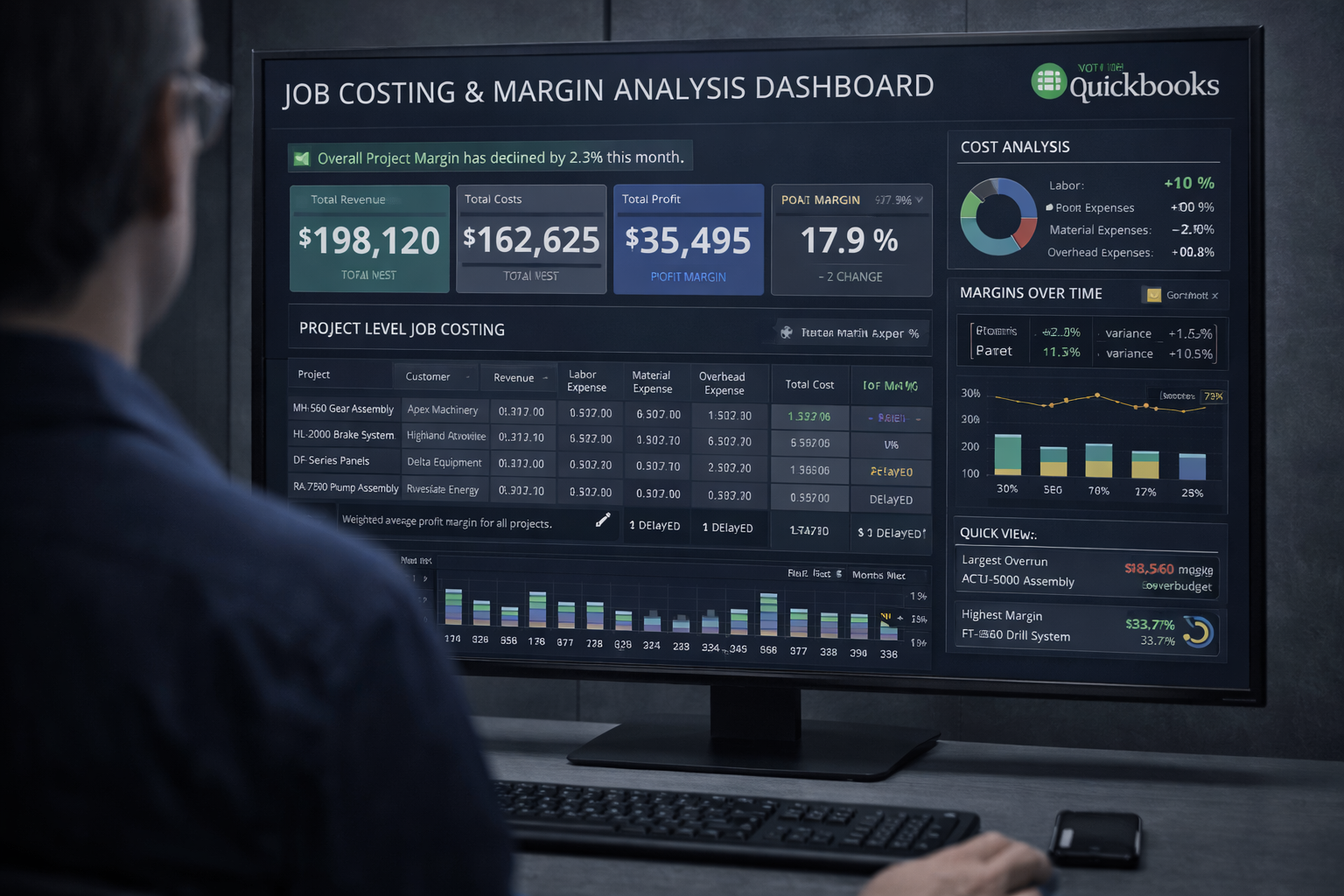
Standard Time® integrates with QuickBooks® to share customers, jobs, time tracking records, expenses, and invoices.
What the integration does
- Imports customers and jobs for logging time and expenses
- Imports service items as activity codes
- Exports time records for payroll and invoicing
- Exports expenses for tracking and invoicing
- Exports invoices for customer billing
Time Tracking
When users log time in Standard Time, they select a client, project, and category. These fields correspond to QuickBooks customer, job, and service item fields respectively. Time log records may be exported to QuickBooks for salary and invoicing.
Invoicing
Invoices within Standard Time combine both time and expense data. These can be exported to QuickBooks. All time and expense records require assignment to a client, project, and service item to align with QuickBooks fields.
Video Tutorials
Step-by-step video tutorials are available on our Videos page and on our YouTube channel.
Need help?
Call 719-488-8697 x1 (Sales) or x2 (Support), or send us a message.