
Standard Time® QuickBooks Integration

Connect Standard Time® to QuickBooks Online and keep your time tracking, job costing, and accounting in sync — automatically, without re-entering data in two systems.

Two Systems, One Workflow

Standard Time® handles shop floor time tracking, job costing, and project management. QuickBooks handles accounting, payroll, and client billing. The integration bridges the two — passing data in both directions so each system has what it needs without manual data entry.

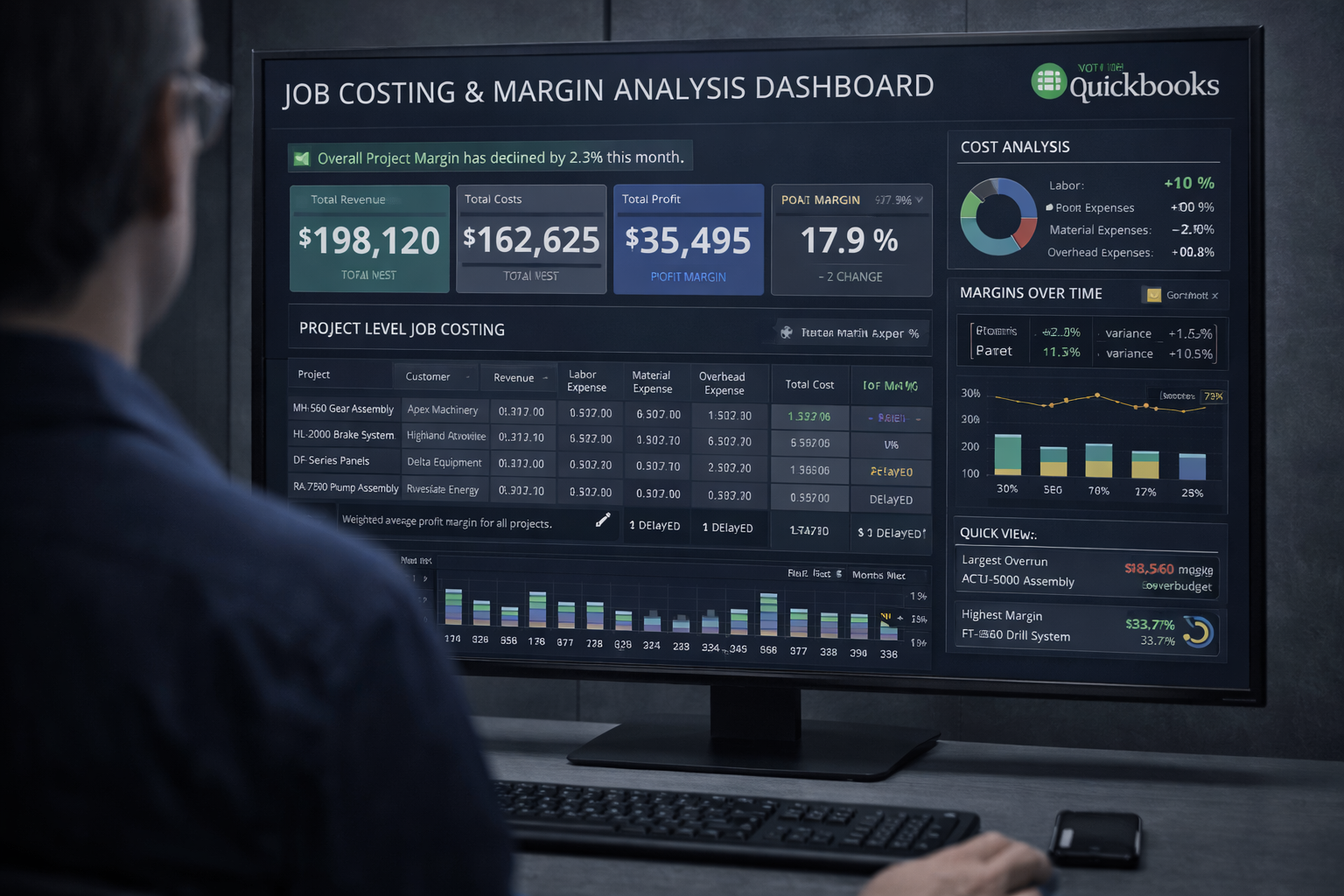
Job costing and margin analysis dashboard showing QuickBooks integration with Standard Time

Import Customers and Jobs from QuickBooks

Standard Time® pulls your customers and jobs directly from QuickBooks so employees can log time against the correct accounts from day one. No need to recreate your QuickBooks data structure inside Standard Time® — the import does it for you.

Service items are also imported as activity codes, keeping the time entry fields in Standard Time® perfectly aligned with QuickBooks billing categories.

Export Time Entries for Payroll and Invoicing

Time records logged in Standard Time® — whether entered manually, imported from a timesheet, or captured by a barcode scan on the shop floor — can be exported to QuickBooks for payroll processing and client invoicing.

Each exported time record carries the employee, customer, job, service item, date, and duration — exactly the fields QuickBooks needs to generate pay runs and billable invoices.

Export Expenses to QuickBooks

Expenses tracked in Standard Time® — materials, travel, subcontractors, and other job costs — can be exported alongside time records. This gives QuickBooks a complete picture of project cost so your invoices reflect true job profitability.

Create and Export Invoices

Standard Time® combines time and expense data into invoices that can be sent directly to QuickBooks. Once exported, the invoice appears in QuickBooks ready for review, adjustment, and delivery to the client — without any retyping.

All time and expense records must be assigned to a client, project, and service item to align correctly with QuickBooks fields. The integration enforces this structure to prevent mismatched exports.

Job Costing and Margin Visibility

With time and expenses flowing into QuickBooks, you gain accurate job cost reports that compare budgeted versus actual costs across every project. Use this data to identify which jobs are profitable, where labor is over budget, and how to price future work more accurately.

Standard Time®'s internal job costing dashboards give you this visibility before data reaches QuickBooks — so managers can act on cost variances while jobs are still in progress.

How to Set Up the Integration

Connecting Standard Time® to QuickBooks Online takes only a few minutes:

  1. Open Standard Time® and navigate to Tools, QuickBooks.
  2. Sign in to your QuickBooks Online account and authorize the connection.
  3. Run the initial import to pull customers, jobs, and service items into Standard Time®.
  4. Map any fields that differ between the two systems.
  5. Begin logging time in Standard Time® — export records to QuickBooks whenever you are ready to invoice or run payroll.

For full setup details, see the QuickBooks Integration page or contact our support team.

Videos

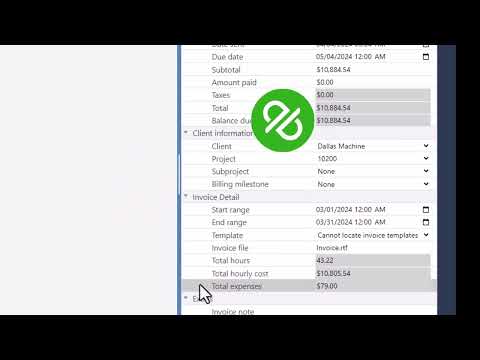
Preparing time and materials data in Standard Time® for QuickBooks export

Prep For QuickBooks Time and Materials

How to prepare time and materials records in Standard Time® before exporting to QuickBooks — ensuring every entry is correctly assigned to a client, job, and service item for clean payroll and invoicing.

Watch: QuickBooks Time & Materials
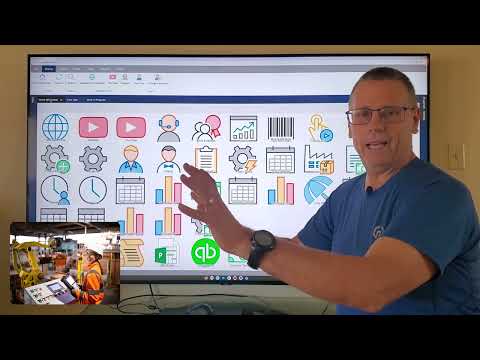

Standard Time® Features Walkthrough including QuickBooks integration

Standard Time® Features Walkthrough

An in-depth walkthrough of Standard Time® features — including AI scheduling, resource allocation, customer invoicing, QuickBooks® integration, and time tracking tools for manufacturing teams.

Watch: Features Walkthrough
Standard Time® Manufacturing Software — Product Demo

Standard Time® Manufacturing Software Demo

A comprehensive demonstration of Standard Time® — covering barcode scanning, WIP tracking, shop floor dashboards, project management, and real-time reporting for manufacturing operations.

Watch: Manufacturing Demo

Ready to Connect Standard Time® and QuickBooks?

Download the free trial and set up the QuickBooks integration the same day. Our support team is here to help.

View Pricing Talk to Support