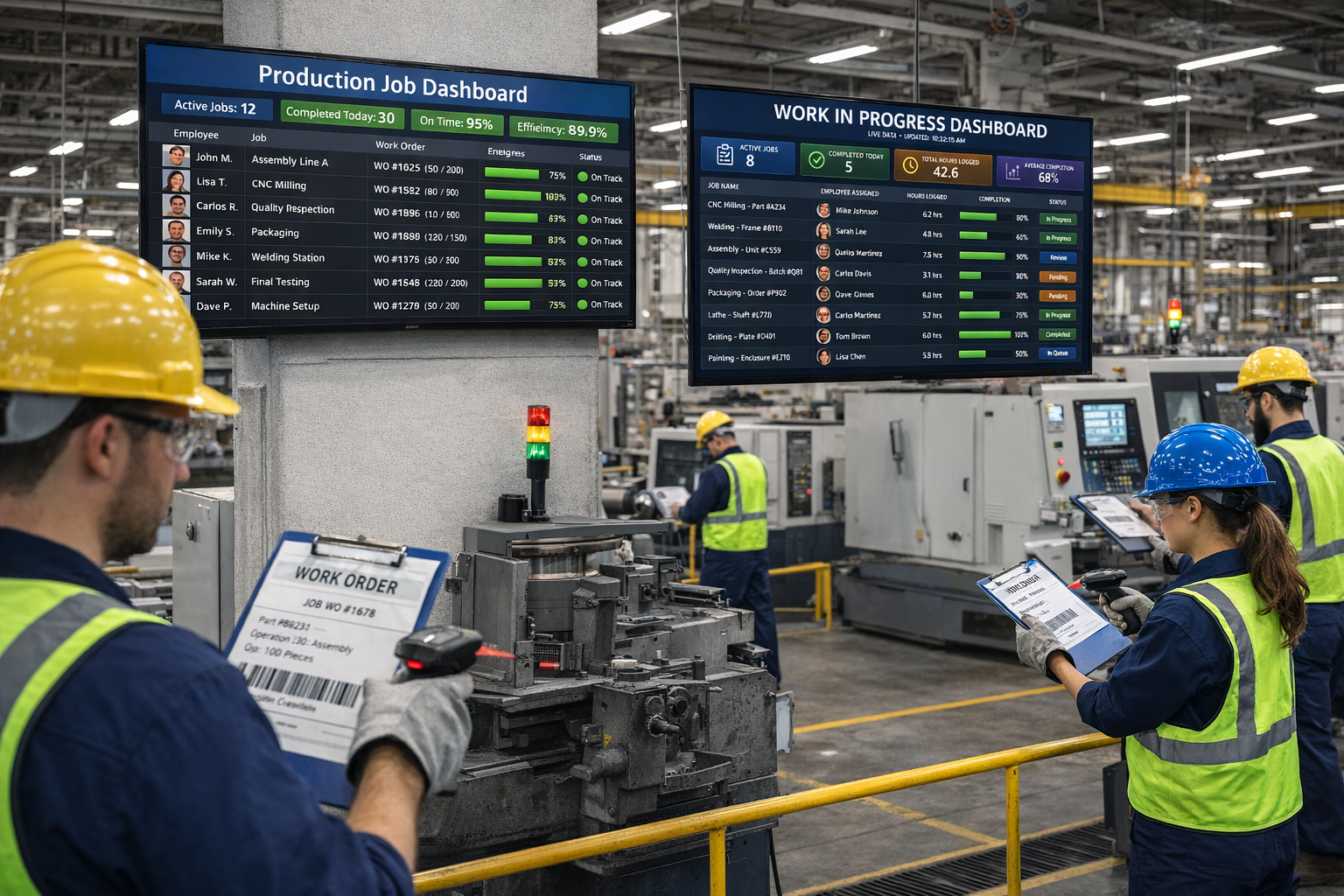
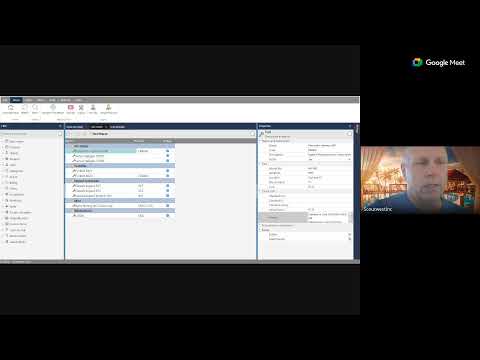
Here is what Standard Time® gives you once tools are labeled and loaded into the system.
Scan to Check Out
Scan the tool barcode, model number, or serial number to check it out to an employee. The system records who took it, when, and from where — instantly.
Scan to Check Back In
A second scan returns the tool to inventory. Duration of use is calculated automatically, giving you utilization data without any manual logging.
Audit Trail and History
Every checkout, return, maintenance event, and note is written to a permanent audit trail. Filter by tool, employee, date range, or location to answer any accountability question quickly.
Know Where Your Tools Are
The current status of every tool — checked out, in storage, in maintenance, or missing — is visible in real time. No more walking the floor to find a tool that should be on the shelf.
Tools Accountability by Employee
Every tool is tied to the last employee who checked it out. Managers can run a report by employee to see exactly which tools are in their possession at any moment — and for how long.
Preventative Maintenance
Schedule recurring PM tasks on any tool — calibration, blade replacement, lubrication, inspection, or any other service interval. Standard Time® tracks the schedule and flags tools when maintenance is due.
PM Schedules
Define maintenance intervals by days, weeks, months, or hours of use. The system alerts you before a tool goes out of compliance, so maintenance happens on time — not after a breakdown.
PM Notes
Technicians can attach notes to each maintenance event — what was done, what was found, what parts were used, and who performed the service. This history is searchable and tied to the tool's permanent record.