Mfg Data Collected With Barcodes
A walkthrough of every data point Standard Time® captures from a barcode scan — from employee hours and job assignments to KPI values, inventory consumption, and client billing flags.
Watch on YouTube16 April 2026
Every barcode scan on your shop floor captures far more than a timestamp. Standard Time® automatically records a rich set of manufacturing data with each scan — no forms, no manual entry, no delays.
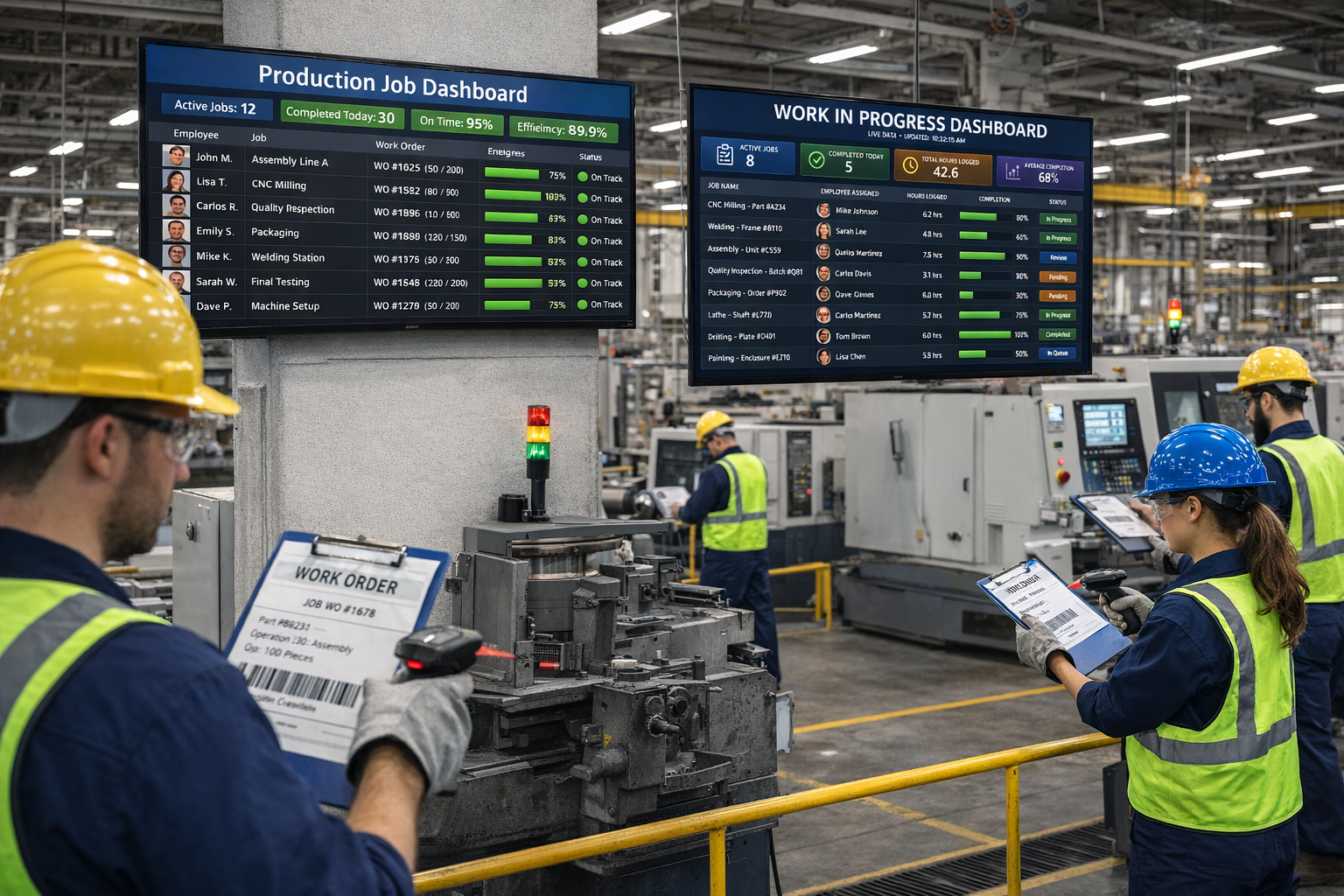
When an employee scans a barcode to start a job, Standard Time® does not just record the time — it captures who scanned, what job they started, which task they are on, where they are, and what device they used. That single scan populates fields that would otherwise require manual entry across multiple screens.
The result is a complete, accurate manufacturing record built automatically as work happens — not reconstructed after the fact.
Every scan can collect any combination of the following data points, depending on how your barcode rules are configured in Standard Time®.
Identifies which employee performed the work and automatically calculates elapsed time from scan-in to scan-out.
Associates the time record with a specific job or work order so every hour is accounted for at the job level.
Captures which production step or task is being worked on, enabling task-level time and cost visibility across the operation.
Records the category or type of work — such as assembly, machining, inspection, or finishing — for labor classification and reporting.
Supports multi-level project hierarchies so time can be tracked against subprojects within a larger job for granular cost breakdown.
Links the time record to a client account, enabling accurate billable-hour tracking and client-facing job cost reports.
Records the physical location or workstation where the scan occurred — useful for multi-site operations or large facilities with distinct production zones.
Identifies the scanning device used, providing an audit trail and helping correlate scan records with specific terminals or workstations.
User-defined fields let you capture any additional data point your operation needs — lot numbers, shift codes, machine IDs, or production run identifiers.
Applies employee pay rates to recorded hours to calculate the labor cost of every job, task, and production step in real time.
Calculates billable amounts based on client billing rates, feeding directly into invoices without requiring separate cost entry.
Records how many units, parts, or assemblies were completed during a scan session — linking labor time directly to production output.
Logs materials and components used during a job, enabling automatic inventory deduction and real-time material cost tracking.
Flags each time record as billable or non-billable at the moment of scan, so invoicing reflects only the time your clients are charged for.
Derives key performance indicators — such as efficiency ratios, cost per unit, and on-time completion rates — directly from the scan data collected on the floor.
None of the data points above require a separate form, a second screen, or a supervisor to fill in after the fact. They are captured automatically based on the barcode rules you configure in Standard Time® — rules that map each scan to the right employee, job, task, and data fields for your operation.
The more consistently your team scans, the richer your manufacturing data becomes — and the better your visibility into costs, productivity, and output.
A walkthrough of every data point Standard Time® captures from a barcode scan — from employee hours and job assignments to KPI values, inventory consumption, and client billing flags.
Watch on YouTubeStart a free 30-day trial and see how much manufacturing data a simple barcode scan can capture.
View Pricing Contact Us